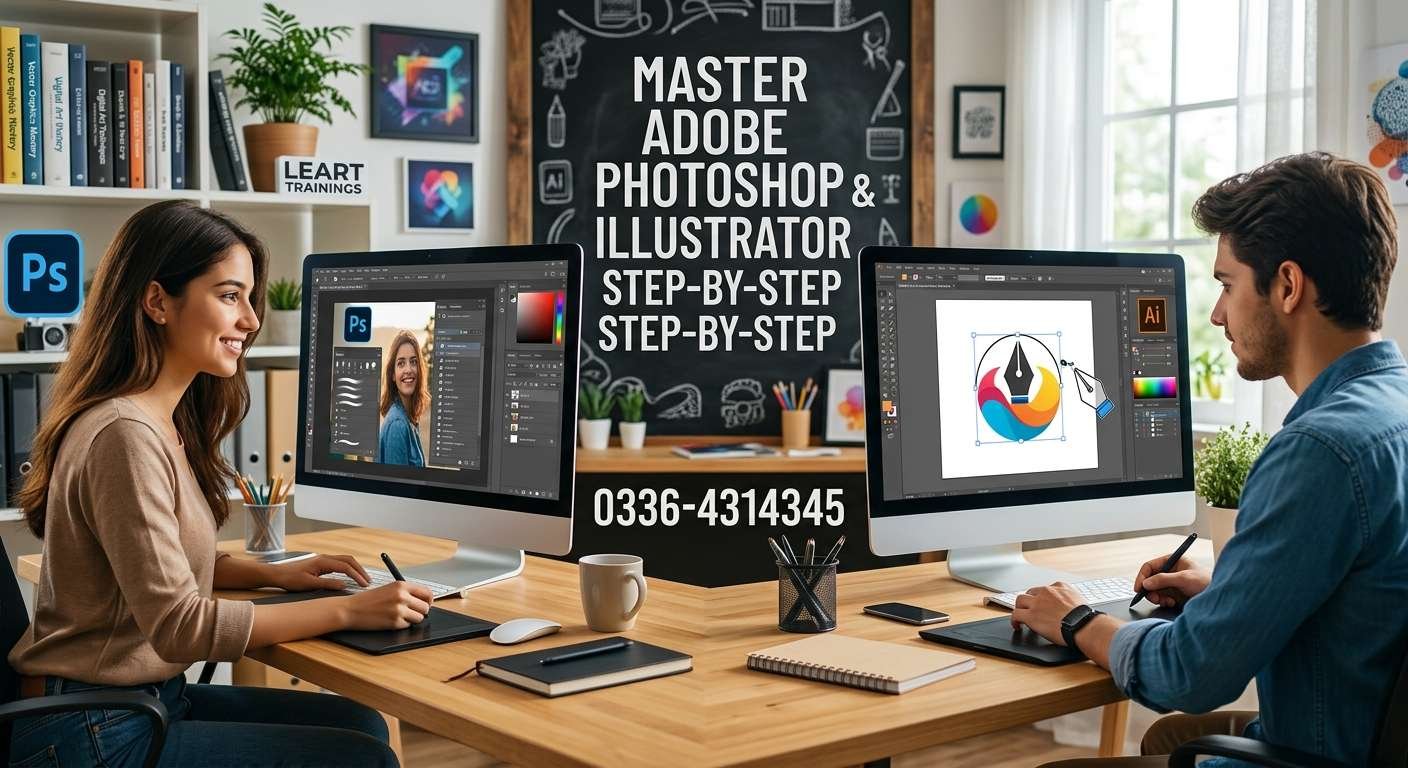
In today’s visually driven digital landscape, creative skills have become essential across virtually every industry. Whether you want to launch a creative career, elevate a brand, or expand your digital skill set, learning industry-standard software is the first step toward professional success. Adobe Photoshop and Adobe Illustrator stand as the powerhouse duo behind modern creative design, raster image editing, and vector artwork creation.
Mastering these two tools opens doors to countless creative and technical opportunities in visual communication, branding, content creation, and digital marketing.
Understanding the Basics: Photoshop vs. Illustrator
Before diving into hands-on techniques, it is essential to understand the unique strengths of each program and how they complement one another:
- Adobe Photoshop: Photoshop is a raster-based graphic editing software. It works with pixels and is primarily used for photo editing, retouching, raster illustration, digital painting, composite artwork, and preparing images for digital displays and print media.
- Adobe Illustrator: Illustrator is a vector-based design application. Instead of pixels, it uses mathematical formulas, anchor points, and paths. This allows artwork to be resized to any scale—from a tiny app icon to a giant billboard—without losing clarity or crispness.
Together, these tools form the core foundation of professional Graphic Designing.
Step 1: Getting Started with Adobe Photoshop
To master Photoshop, begin by focusing on core concepts and basic workflows:
- Navigating the Interface: Familiarize yourself with the workspace, toolbar, layers panel, properties menu, and keyboard shortcuts to boost productivity.
- Mastering Layers and Masks: Layers are the heart of Photoshop. Non-destructive editing using layer masks, adjustment layers, and smart objects ensures you can refine images without permanently altering original data.
- Selection Tools: Practice using the Marquee, Lasso, Quick Selection, Pen, and Object Selection tools to isolate objects accurately.
- Photo Retouching & Color Grading: Learn color balance, levels, curves, and retouching tools like the Healing Brush, Clone Stamp, and Content-Aware Fill to restore or enhance photos.
- Typography & Composition: Combine text with graphic elements, layer styles, and visual textures to create striking posters, social media banners, and visual layouts.
Mastering raster editing techniques allows creators to branch into fields like visual design, marketing material design, and web visual asset creation.
Step 2: Transitioning to Adobe Illustrator
Once you are comfortable with Photoshop, step into the world of vector design with Illustrator:
- Understanding Paths and Vector Graphics: Learn how points, lines, curves, and fills form scalable vector assets.
- The Pen Tool & Curvature Tool: The Pen tool is Illustrator’s most powerful tool. Practice creating precise paths, smooth curves, and clean geometric shapes.
- Shape Builder and Pathfinder: Combine, intersect, subtract, and divide simple geometric shapes to construct custom logos, icons, and illustrations effortlessly.
- Typography & Vector Lettering: Work with point text, area text, and convert fonts into vector outlines for unique typography designs.
- Color Schemes & Gradients: Master swatches, global colors, gradient meshes, and color panels to make dynamic artwork pop.
Developing vector design proficiency is vital for creators aspiring to work in branding, logo creation, or UI/UX Designing.
Step 3: Integrating Photoshop and Illustrator for Advanced Workflows
True mastery happens when you seamlessly integrate both tools into a unified design workflow:
- Brand Identity Design: Create vector logos, brand marks, and icons in Illustrator, then import them into Photoshop to build realistic 3D product mockups, store displays, or social media previews.
- Web Assets & App Interfaces: Design scalable UI components and vector icons in Illustrator, and refine photographic backgrounds or hero banners in Photoshop. These design skills provide a strong foundation if you ever decide to transition into Web Development or build interactive digital products.
- Marketing Graphics & Ad Campaigns: Craft high-converting promotional banners by blending edited photos with sharp vector typography and design accents.
The Role of Graphic Design in the Broader Digital Ecosystem
Graphic design does not exist in isolation. In today’s interconnected digital economy, strong design assets power almost every online strategy:
- Digital Strategy & Marketing: High-quality graphics drive higher engagement across social channels and search campaigns. Pairing visual design with SEO / SMM strategies ensures content reaches the right audience effectively.
- Brand Growth: A cohesive visual identity is essential for effective Digital Media Marketing, helping businesses establish authority, brand recognition, and audience trust.
- E-Commerce Success: Visuals sell products. High-resolution photo editing and custom graphics drive conversion rates on platforms like online stores, Amazon, and eBay.
- Next-Gen Creativity: As technology evolves, learning automated tools like Designing with AI For Kids and introductory technical tracks like Coding with AI For Kids helps young learners build early creative and technical literacy.
Expanding Beyond Static Design
Once you master static visual design in Photoshop and Illustrator, you can expand your creative portfolio into dynamic and automated digital media:
- Motion & Animation: Bring dynamic life to static vector artwork and layouts through Video Animation.
- AI Video Production: Leverage modern tools like Video Creation with AI to generate engaging multimedia content faster.
- Business Applications: Apply creative skills to build custom online storefronts for E-Commerce, Amazon Dropshipping, or ebay Dropshipping.
- Technical & Operational Excellence: Designers and digital creators also benefit from organizational and technical expertise in Office Management, Mobile App Development, Software QA Testing, and cutting-edge innovations in Machine Learning AI.
Practical Steps to Practice and Build Your Portfolio
- Work on Real-World Projects: Redesign an existing brand logo, create promotional banners, or design custom vector illustrations.
- Follow a Step-by-Step Learning Plan: Dedicate time daily to master individual tools before attempting complex compositions.
- Build an Online Portfolio: Showcase your best work on platforms like Behance or a personal portfolio website to attract clients or employment opportunities.
Conclusion
Mastering Adobe Photoshop and Illustrator step-by-step is a rewarding journey that transforms your creative ideas into professional visual output. By understanding the core mechanics of raster and vector graphics, practicing non-destructive editing techniques, and applying design principles to real-world projects, you set a strong foundation for long-term career growth in design, digital marketing, and modern creative technology.